UX/UI · Design principles
Beyond Aesthetics: Why Good Design is About Solving Problems, Not Just Looking Pretty
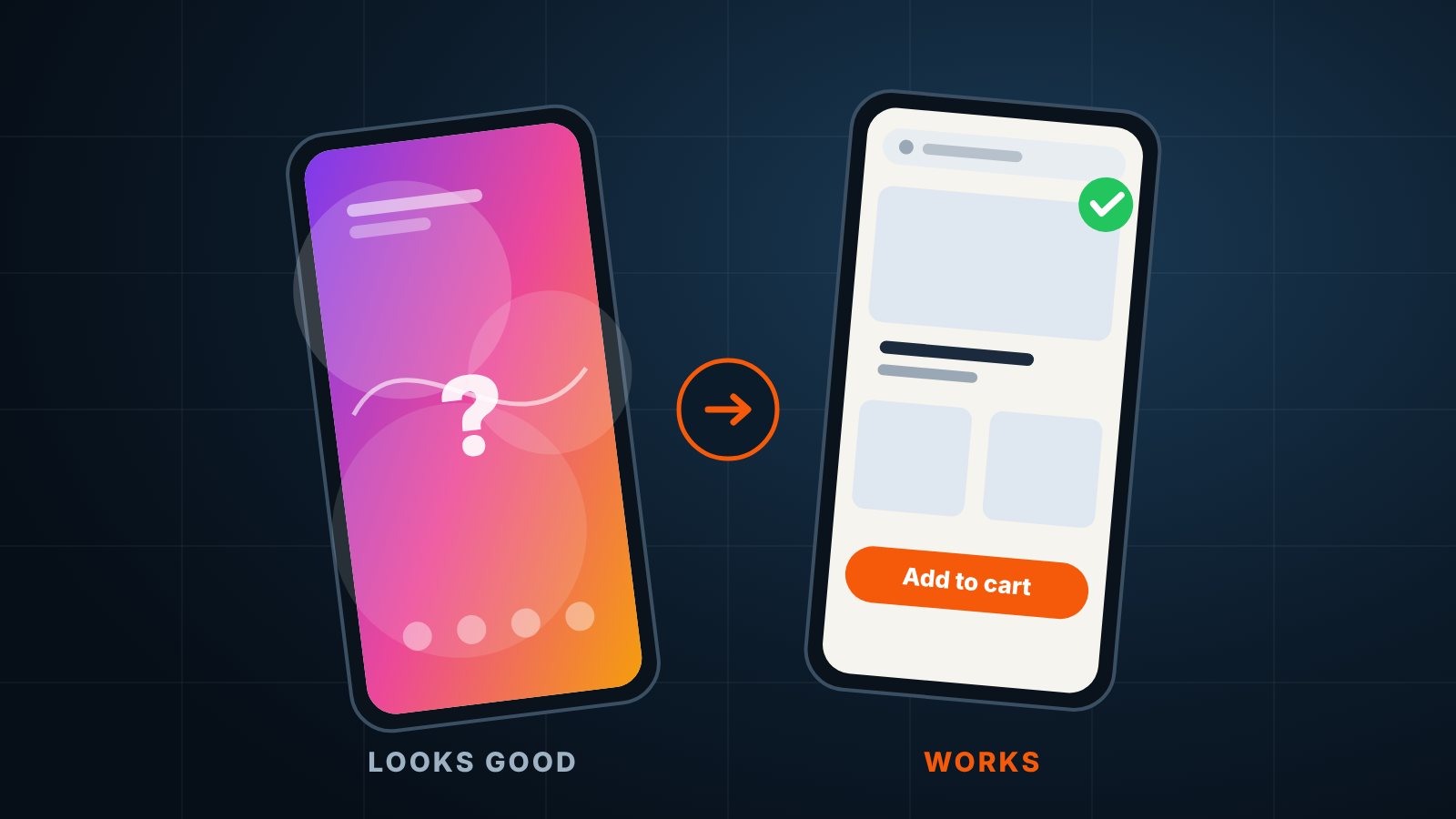
Design is more than just making things look good. It’s about solving real problems. While aesthetics play a role in engaging users, true UX/UI design is rooted in functionality, usability, and impact.
Great design improves the user experience, simplifies processes and meets business goals. Here is why problem-solving sits at the core of good design, and how designers can balance beauty with purpose.
01Design as a problem-solving tool
At its heart, design exists to solve problems. Whether it’s making an app easier to navigate, improving accessibility for all users, or increasing conversion rates, every design decision should be purposeful.
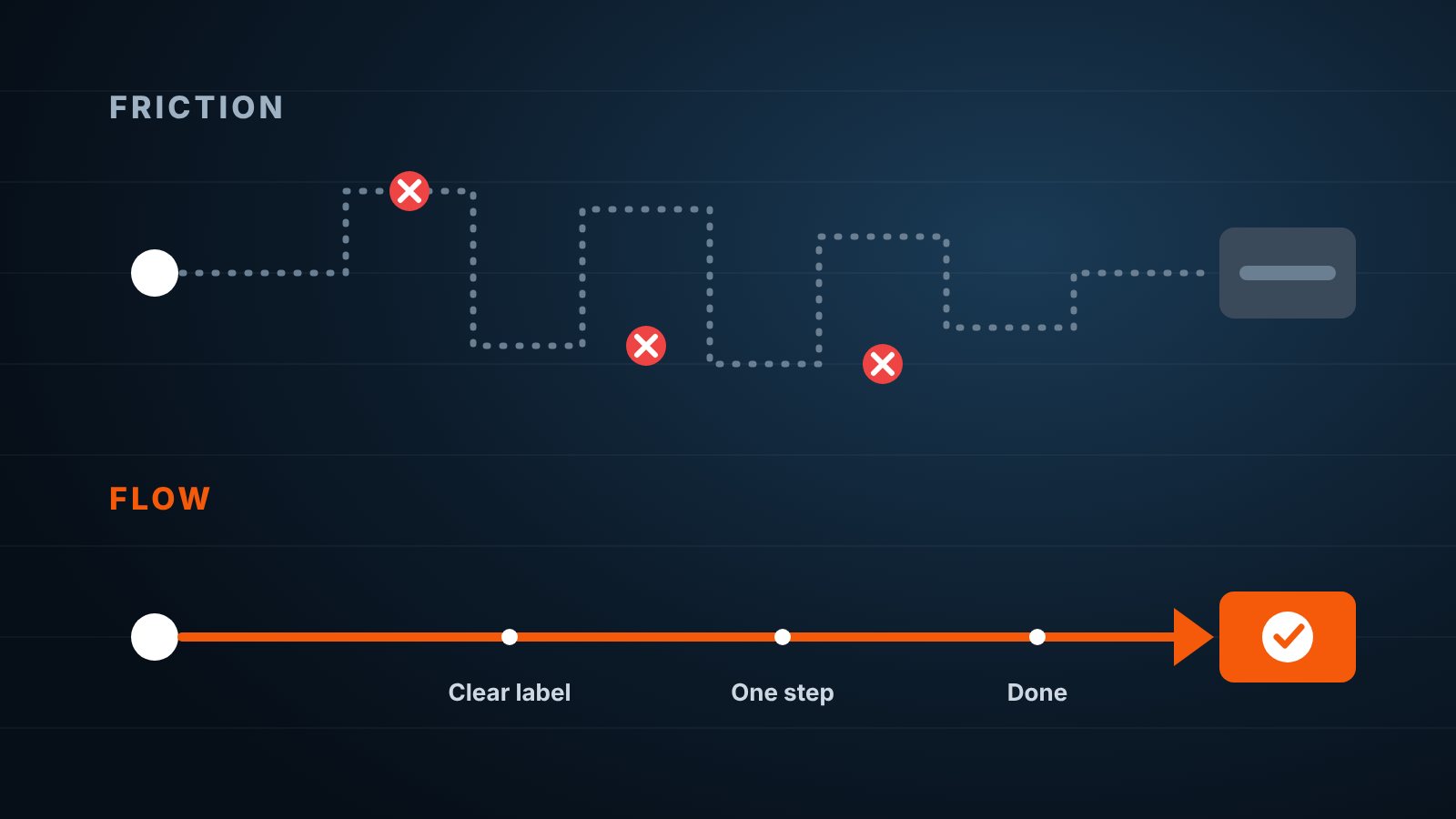
A visually stunning interface that confuses users or creates friction is not good design. It’s decoration.
02The role of user research
Understanding user needs is the foundation of problem-solving in design. Without research, designers rely on assumptions, which can lead to ineffective solutions. Conducting usability tests, analyzing user behavior, and gathering feedback keep designs grounded in real data rather than personal preference.
03Functionality over flash
Trendy designs and flashy animations might look appealing, but they can easily become distractions if not implemented thoughtfully. Functionality should always come first. Users should be able to finish their tasks quickly and without thinking about the interface. A well-designed interface removes unnecessary friction.
04Accessibility as a core principle
Good design is inclusive design. Making digital experiences accessible to people with disabilities is not just a legal requirement. It’s an ethical responsibility. Prioritizing readability, keyboard navigation, and color contrast ensures that products work for everyone, not just a select few.
05Balancing aesthetics and usability
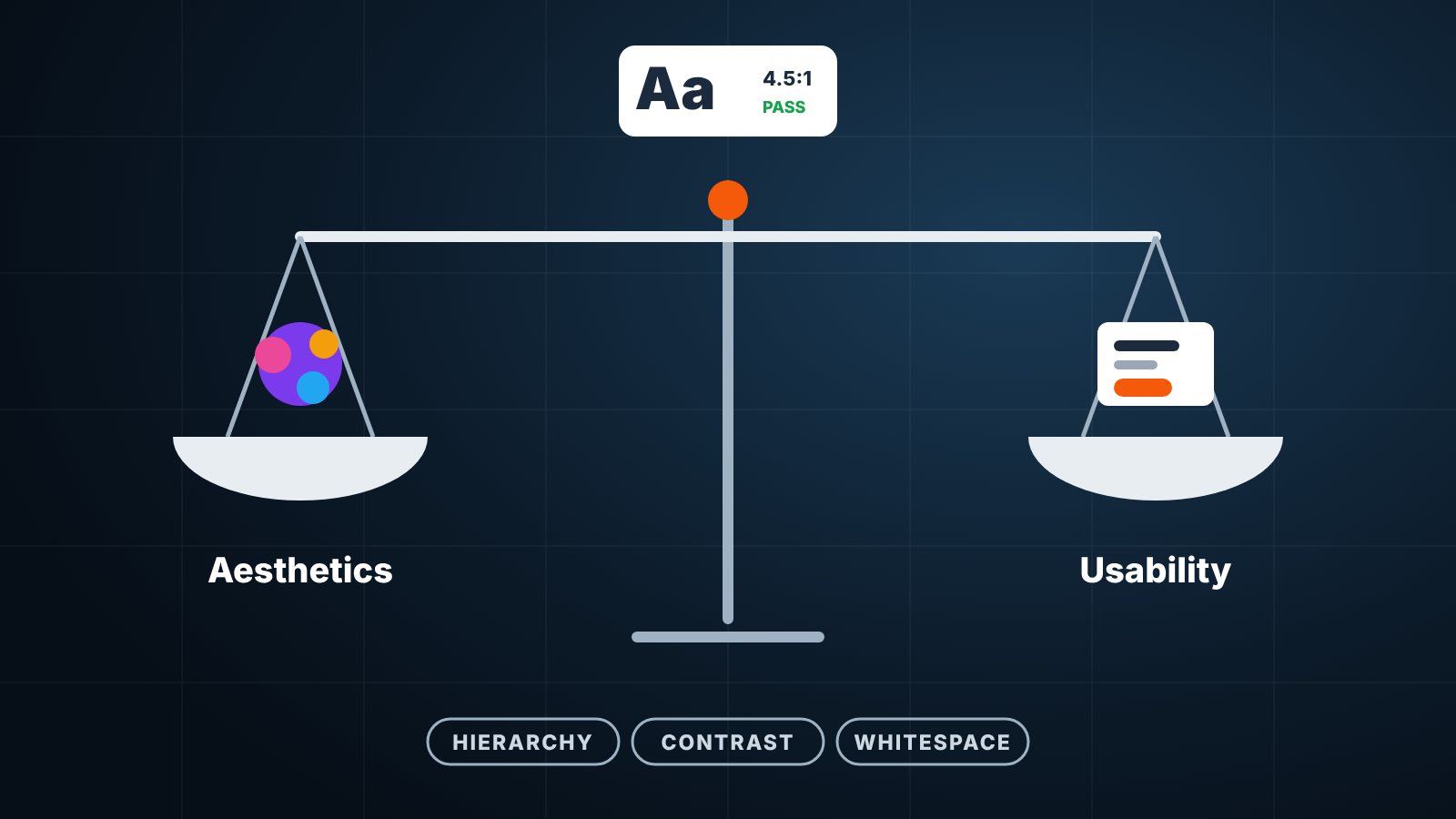
While problem-solving is key, aesthetics still matter. Visual design plays a crucial role in guiding users, creating emotional connections, and reinforcing brand identity. The challenge is to strike a balance, using design principles like hierarchy, contrast, and whitespace to enhance usability rather than hinder it.
06Iteration and continuous improvement
Design is an ongoing process. The first version of a product is rarely perfect. Conducting A/B tests, gathering user feedback, and iterating based on data-driven insights help refine and optimize the user experience over time.
07Real-world examples of problem-solving in design
Google Search’s simple UI
Google’s homepage is a masterclass in functional design: minimalist, yet highly effective in helping users find information quickly.
Airbnb’s redesign for trust & safety
Airbnb improved user trust by redesigning their verification and review systems, addressing concerns and enhancing the booking experience.
Apple’s accessibility features
Apple’s VoiceOver and other accessibility tools show how inclusive design benefits all users, not just those with disabilities.