UX/UI · Design systems
Design Systems That Survive a Deadline
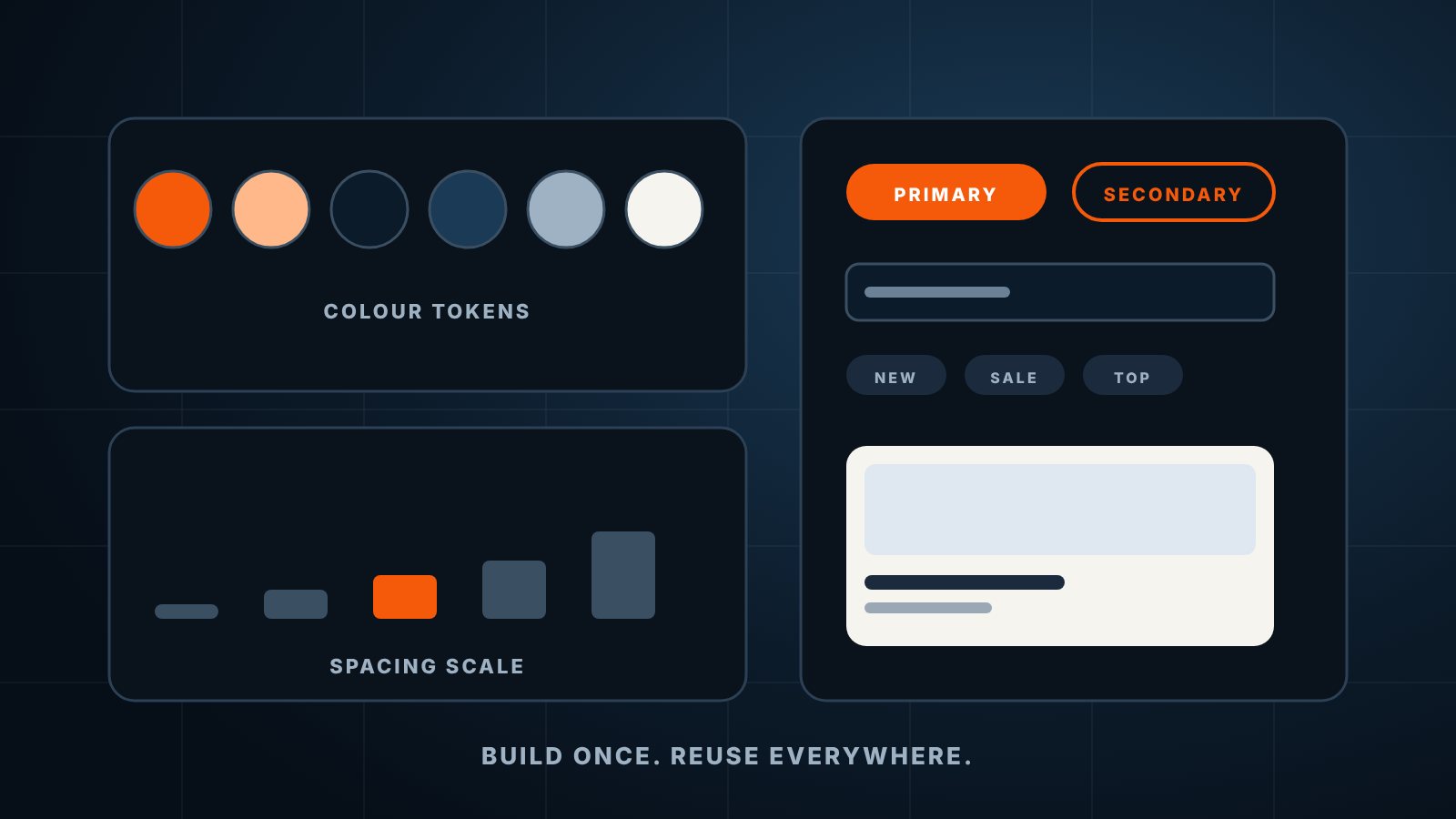
A design system is only useful if people keep using it when the schedule gets tight.
Most design systems fail quietly: the library gets out of date, the team stops trusting it and everyone goes back to one-off screens. Here is how I approach building a system that survives real deadlines.
01What is a design system?
A design system is a shared set of decisions and reusable parts: colours, typography, spacing, components and the rules for using them. It gives designers and developers one source of truth, so screens look and behave consistently and nobody rebuilds a button from scratch.

02Where should I start?
- Foundations first Colour, typography, spacing and radius, set as a small scale.
- A handful of components Button, input, select, card and modal cover most screens.
- Real screens as the test Build the system from screens you are already shipping, not from an abstract wish list.
- One owner Someone must be responsible for decisions and updates.
03Why do design tokens matter?
Design tokens are named values for decisions: a colour such as brand-primary, a spacing step such as space-4. When design and code share the same tokens, a change in one place updates every component. Tokens also make theming, such as light and dark modes, much easier.
04How do I keep a system alive under pressure?
- Make the right way the easy way Components should be quicker to use than to rebuild.
- Document the why Short usage notes and examples beat long rulebooks.
- Allow controlled exceptions When a team needs something new, add it to the system instead of banning it.
- Version and communicate Changelogs and small, regular releases build trust.
- Review accessibility once Build contrast, focus and size into components so every screen inherits them.
05What are the common design system mistakes?
- Building too much before using it Ten unused components are worse than three good ones.
- Design and code drifting apart Without shared tokens, they diverge within weeks.
- No governance If nobody decides, everybody forks.
- Treating it as a project A system is a product with users, and it needs ongoing care.
Frequently asked questions
What is the difference between a style guide and a design system?
A style guide documents how things should look. A design system also includes reusable, coded components, shared tokens and rules for how to use them.
How big should a first design system be?
Small. A palette, a type scale, a spacing scale and five to ten components are enough to start and to prove its value.
What are design tokens?
Named, reusable values that store design decisions, such as colours, spacing and font sizes, so design and code can share one source of truth.
Do small teams need a design system?
Yes, in a lightweight form. Even a shared set of tokens and a few components saves time and keeps a product consistent.