UX/UI · Interaction design
Microinteractions: The Small Details That Make a Big Impact in UX
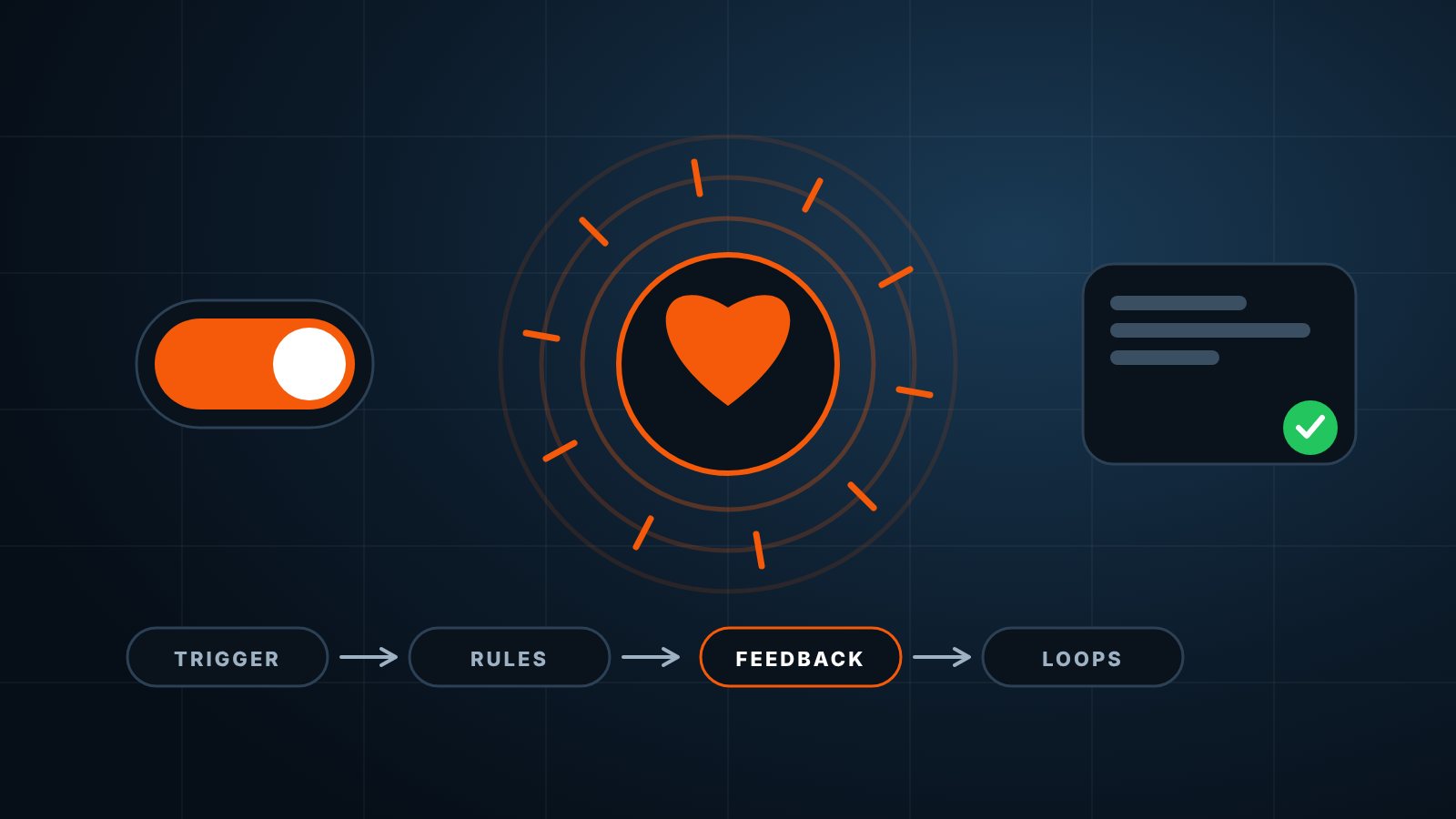
Great design isn’t just about the big picture. It’s also about the small moments that make an experience feel smooth and a little delightful.
Microinteractions are those tiny, often-overlooked elements in UX design that provide feedback, guide users, and add personality to digital experiences. Whether it’s a simple hover effect, a notification animation, or a subtle vibration, microinteractions can elevate a design from functional to delightful.
01What Are Microinteractions?
Microinteractions are small, single-purpose design elements that help users accomplish a task or understand system status. They are present in every digital product, from loading indicators to button hover effects. Though subtle, they play a crucial role in enhancing user experience by providing visual and tactile feedback.
02The Key Components of Microinteractions
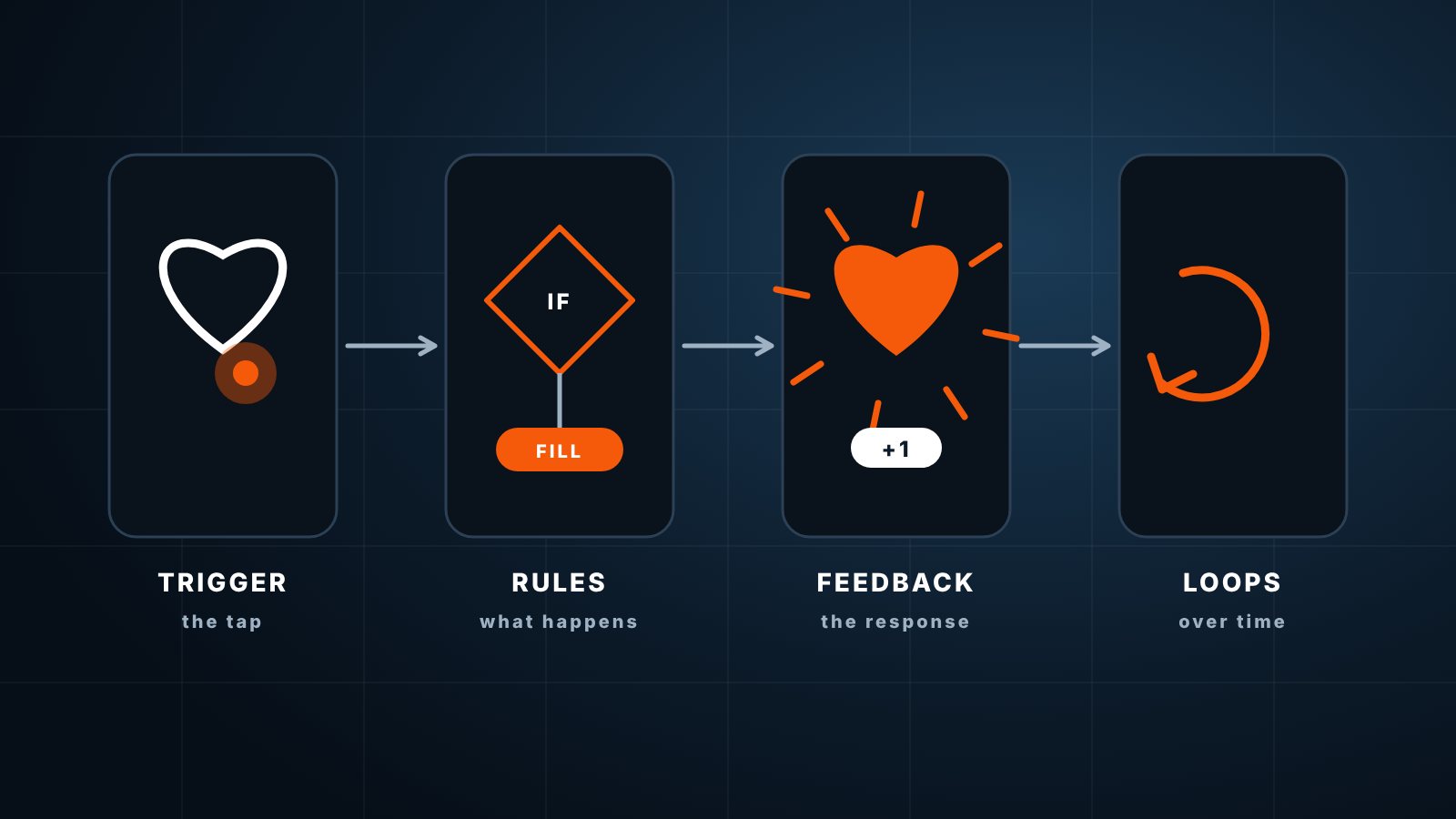
Microinteractions typically have four parts:
- Trigger The action that initiates the microinteraction (e.g., clicking a button, hovering over an element, or receiving a notification).
- Rules The logic that determines what happens next (e.g., a “Like” button changes color after being clicked).
- Feedback The visual, auditory, or haptic response that informs the user of the action’s result (e.g., a subtle vibration when toggling a setting).
- Loops & Modes How the microinteraction behaves over time (e.g., a loading animation repeating until the task is complete).
03Why Microinteractions Matter
- Enhancing Usability They provide instant feedback, preventing user frustration. For example, a password strength indicator helps users create stronger passwords.
- Creating Delight Well-designed microinteractions make experiences feel more engaging. Think of the satisfying animation when you refresh your email inbox.
- Improving Accessibility Subtle visual cues and haptic feedback assist users with different needs, making interfaces more inclusive.
- Reinforcing Branding Microinteractions can add a unique personality to a product. Apple’s subtle animations, for example, contribute to its premium brand feel.
04Best Practices for Designing Microinteractions
- Keep It Subtle Avoid overly complex or distracting animations.
- Ensure Speed & Responsiveness Microinteractions should be quick and natural, not slowing down user interactions.
- Align with User Expectations Users should intuitively understand their purpose.
- Test Across Devices Ensure smooth performance across different screen sizes and platforms.
05Real-World Examples of Effective Microinteractions
Facebook’s Like Button Animation
The heart reaction animates when pressed, providing immediate, engaging feedback.
Google Search’s Loading Spinner
A subtle animation reassures users that results are being retrieved.
Slack’s Message Sent Animation
A checkmark briefly appears, confirming that a message was successfully delivered.